

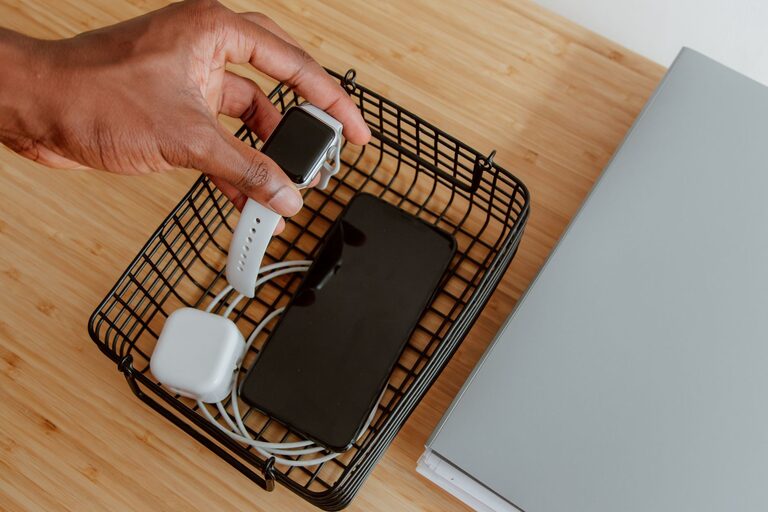
Setting up a dedicated charging station for your devices is a great way to keep cords organized, prevent clutter, and ensure all your gadgets stay powered and ready to go. Whether you have smartphones, tablets, smartwatches, or wireless earbuds, a well-planned station makes daily charging hassle-free.
This guide walks you through the process of creating a charging station that suits your needs, is safe to use, and looks neat in your home.
Why Create a Charging Station?
Many households struggle with tangled cables, lost chargers, and devices left scattered around. A charging station helps by:
– Centralizing all device charging in one location
– Reducing cable clutter and tangling
– Making it easier to find chargers and cables
– Protecting devices from damage through proper placement
– Saving time by having devices always charged and ready
Choosing the Right Location
Picking an appropriate spot is key to an effective charging station.
Consider Accessibility
Choose a location that is easy for everyone in your home to access. Common spots include:
– Kitchen countertops
– Home offices or desks
– Living room side tables
– Entryway consoles
Make sure there’s a power outlet nearby or plan to add one safely.
Avoid High-Traffic or Wet Areas
Keep your charging station away from places like bathrooms or near sinks where moisture can damage electronics or create safety hazards.
What You’ll Need
Before setting up, gather these essentials:
– A power strip or surge protector with enough outlets
– Charging cables for your devices (USB-C, Lightning, micro-USB, etc.)
– Device stands, holders, or docks to keep gadgets upright
– Cable organizers such as clips, sleeves, or ties
– A small tray or box to hold smaller items like earbuds or adapters
Optional items:
– A charging station organizer unit or a DIY box
– Wireless charging pads for compatible devices
– Label maker or stickers to identify cables
Step-by-Step Setup Guide
1. Clear and Prepare the Area
Start with a clean surface to prevent dust buildup and allow easy cable management.
2. Arrange the Power Source
Plug your power strip or surge protector into the wall outlet. Ensure it has surge protection to safeguard your devices.
If you have multiple devices, consider a power strip with USB ports to reduce the number of adapters.
3. Set Up Device Holders
Position stands or holders so devices can rest securely while charging. Adjustable or angled holders allow for comfortable device use even while plugged in.
If using wireless chargers, place them flat and stable to ensure proper connection.
4. Organize Cables
Prevent tangled cords by:
– Using cable clips or ties to bundle excess length
– Routing cables behind furniture or along edges
– Labeling each cable according to the device it charges
Velcro ties are reusable and great for periodic adjustments.
5. Add Storage for Accessories
Use a small container or section of the station for smaller items like earbuds, chargers, or power adapters. This keeps everything together and easy to find.
6. Test Your Setup
Plug in your devices and check that they charge properly without strain on cables. Adjust holders and cable length as needed.
Tips for Maintaining Your Charging Station
– Periodically check cables for wear or damage and replace when necessary.
– Keep the area dust-free to maintain good device ventilation.
– Avoid overloading the power strip to prevent overheating.
– Encourage all household members to use the station consistently for best results.
Creative Charging Station Ideas
If you want a more customized look, try these ideas:
– Use a repurposed drawer or small wooden box to hide cables.
– Incorporate a charging station into a piece of furniture like a side table with built-in outlets.
– Add decorative elements such as plants or photos to blend the station with your room décor.
– Opt for colour-coded cables and holders matching your style or room theme.
Conclusion
A well-organized charging station not only improves efficiency but also enhances your space’s tidiness and safety. With some simple tools and planning, you can create a central hub that keeps all your devices powered and ready every day.
Start with one corner or tabletop and expand your station over time as your device collection grows. Your cables—and your gadgets—will thank you!